← Digital Signage
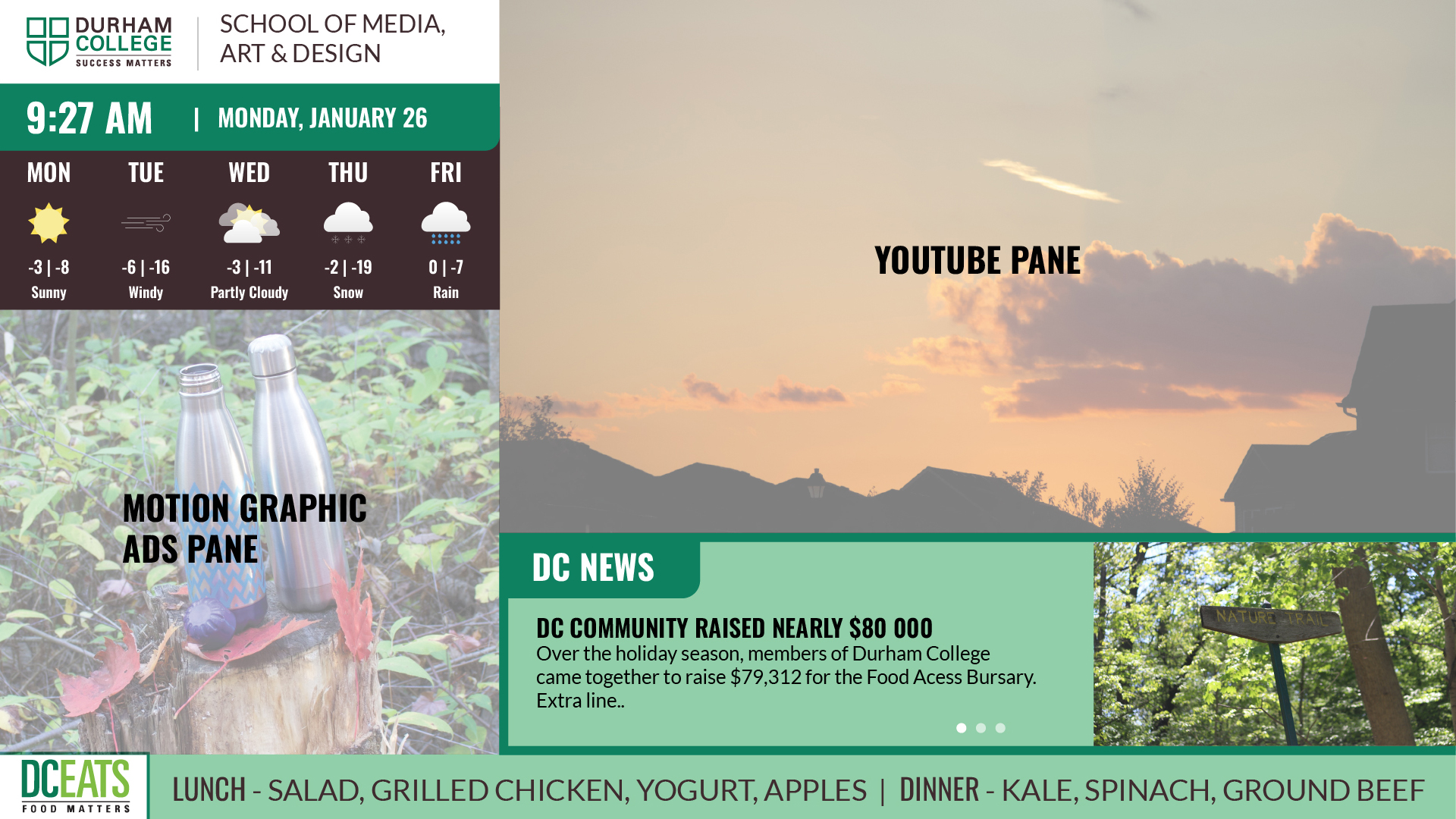
For this project, I developed a dynamic digital signage system for Durham College using a mix of HTML, CSS, and JavaScript. I was challenged to take an existing codebase, learn its inner workings, and modify it to fit a custom brand vision. This project was a major milestone for me as it allowed me to dive deep into backend integration and the design process for public-facing displays.



My Workflow & Process
Managing this project required a high level of attention to detail and a structured development timeline:
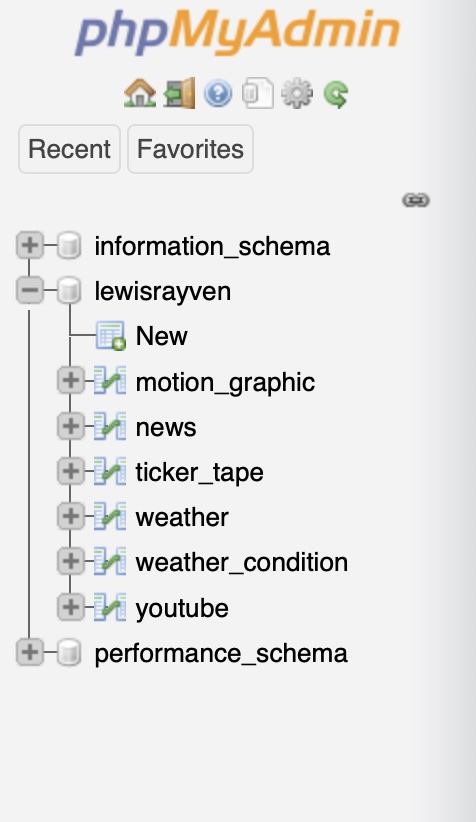
Database & Logic: I spent time working with AJAX and jQuery to display JSON data from a service, ensuring the ticker tape, news sliders, and weather panes updated in real-time. Managing the tables in phpMyAdmin was key to making the signage truly interactive.
Motion Strategy: I balanced two different animation workflows. I utilized GSAP for high-performance scripted motion ads and After Effects for more complex, visually dense advertisements, ensuring the screen always had high-energy content to grab attention.
Technical Skills & Tools
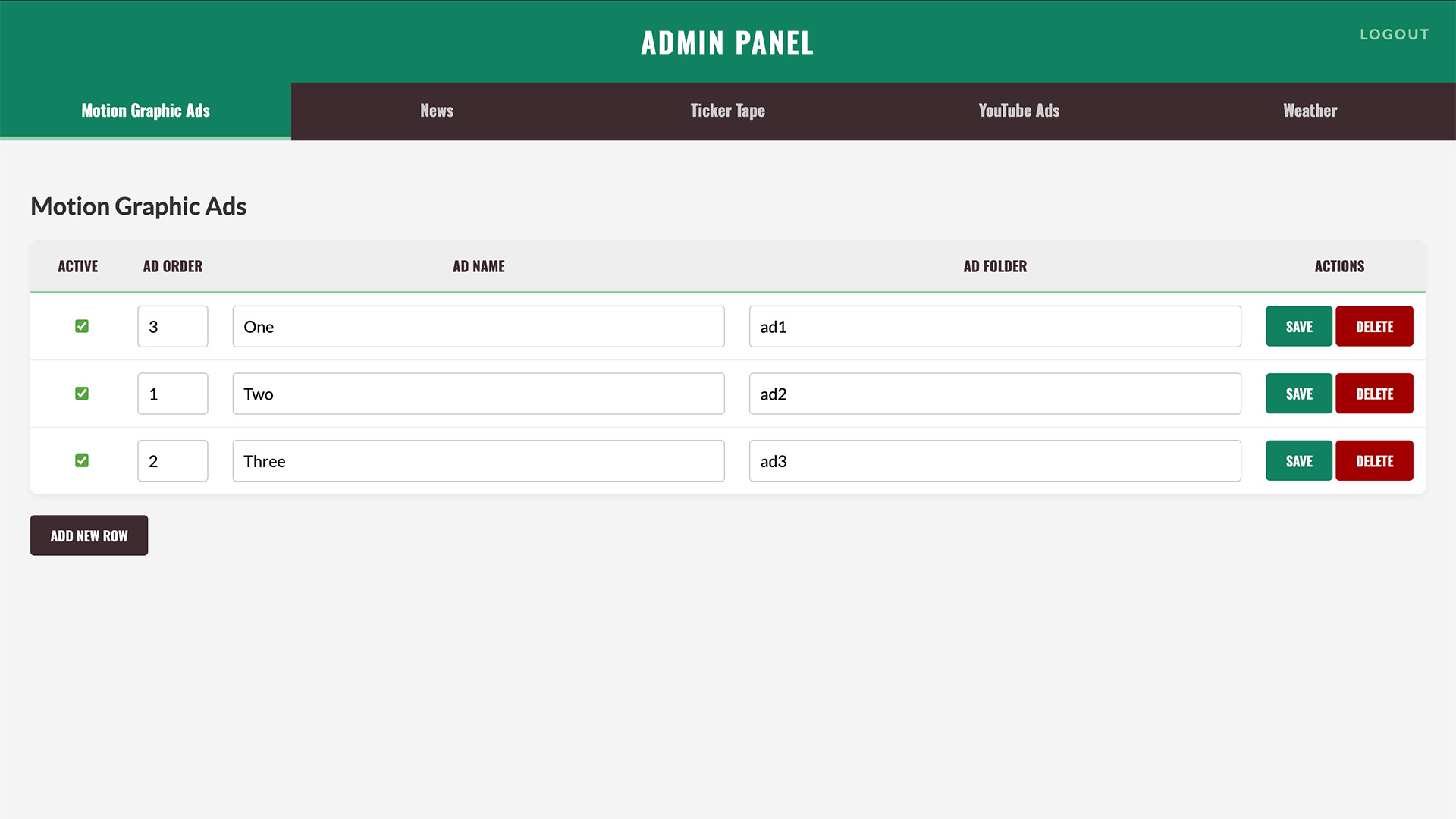
The build started in Adobe Illustrator where I created a detailed "comp" to plan out the visual hierarchy. From there, I moved into VS Code to bring the design to life. I learned a ton about JS and PHP while working with databases (phpMyAdmin) to create an admin page that allows for on-the-go content edits. I also integrated a YouTube playlist and built six unique advertisements—three using GSAP for web motion and three using After Effects for high-fidelity video.
Backend & Data: PHP and phpMyAdmin for database management, AJAX/JSON for live data fetching.
Motion Graphics: GSAP for web-based animation and Adobe After Effects for video-based motion graphic ads.
Front-End Tools: JavaScript (jQuery) for interface logic, Ticker Tape, and News Slider implementation.
Design Planning: Adobe Illustrator for initial UI COMP design and layout considerations.